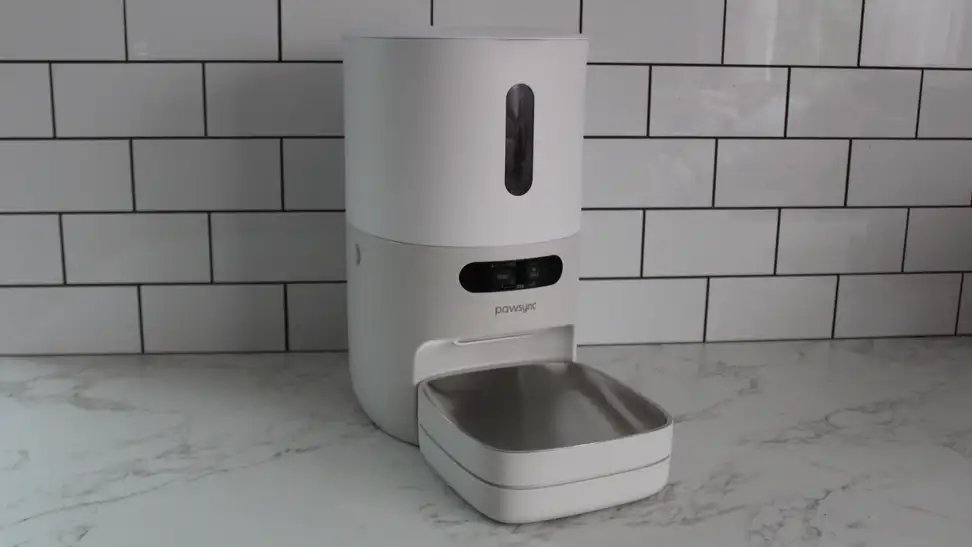
Choosing a device for automatic pet feeding depends primarily on your pet’s dietary needs and your home’s internet reliability. Most reliable units are quite affordable, with higher prices reflecting features like integrated cameras, multi-meal scheduling, and precision portion control for cats or dogs on specific weight management plans.
Choosing the Right Features
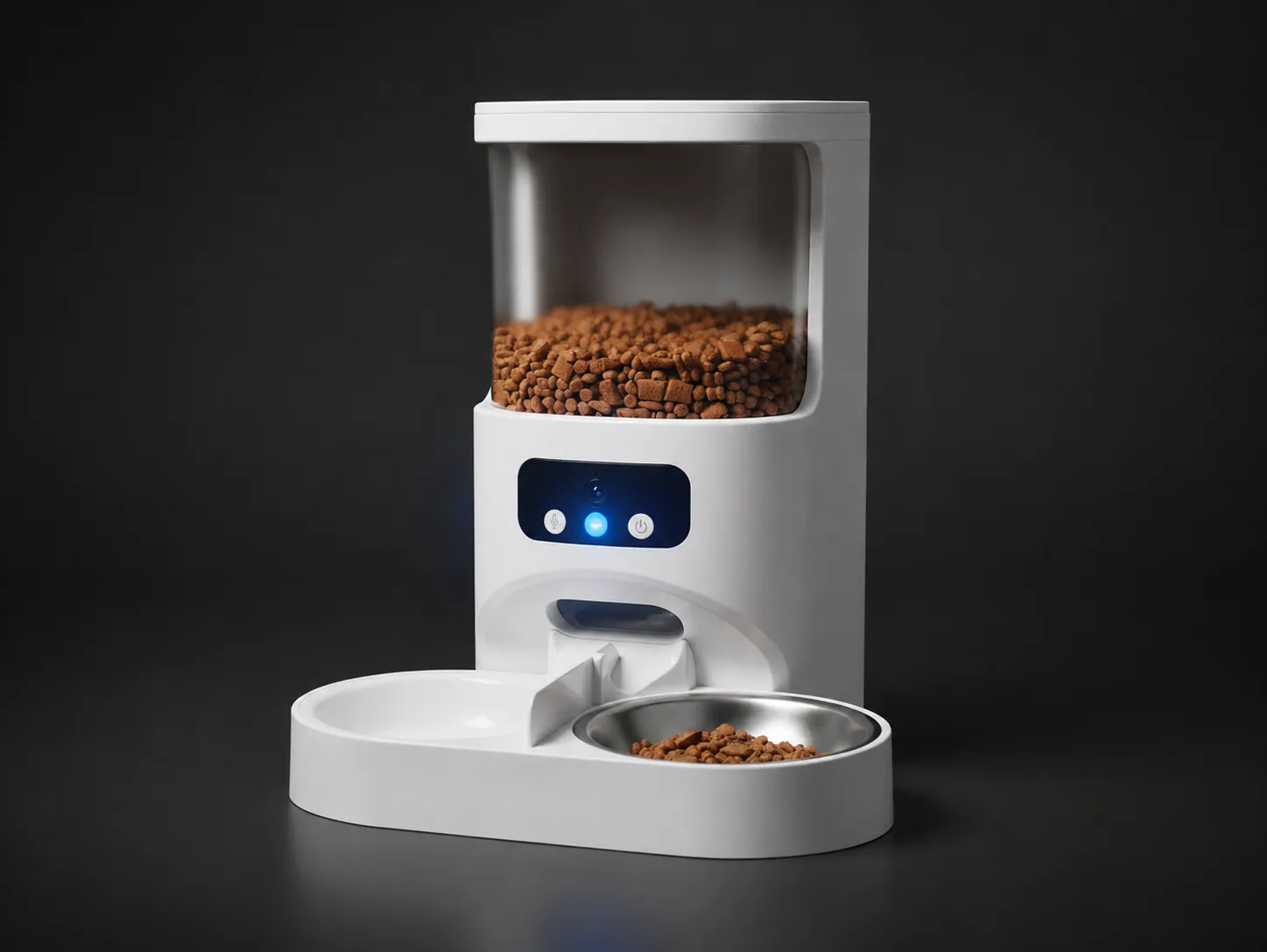
When comparing models, focus on what your pet actually needs to stay healthy. Advanced features often look impressive, but simple, consistent performance matters more for daily feeding routines.
| Feature | Best For | Why It Matters |
|---|---|---|
| Wi-Fi App Control | Busy owners | You can change feeding times remotely. |
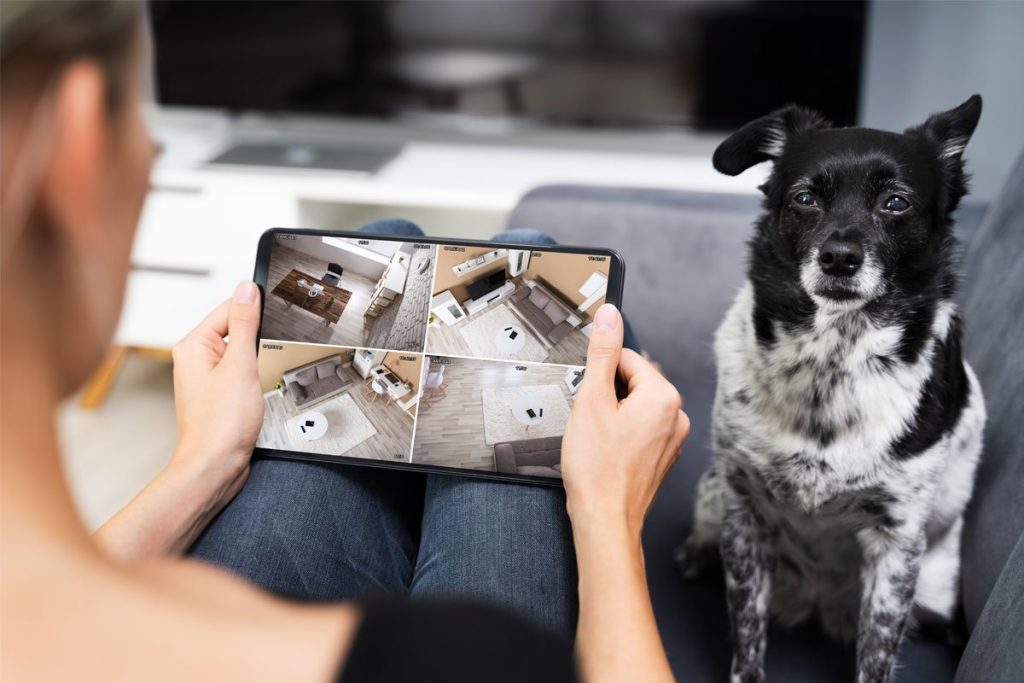
| Integrated Camera | Anxious pets | It lets you check on them during the day. |
| Battery Backup | Unreliable power | Prevents missed meals during power cuts. |
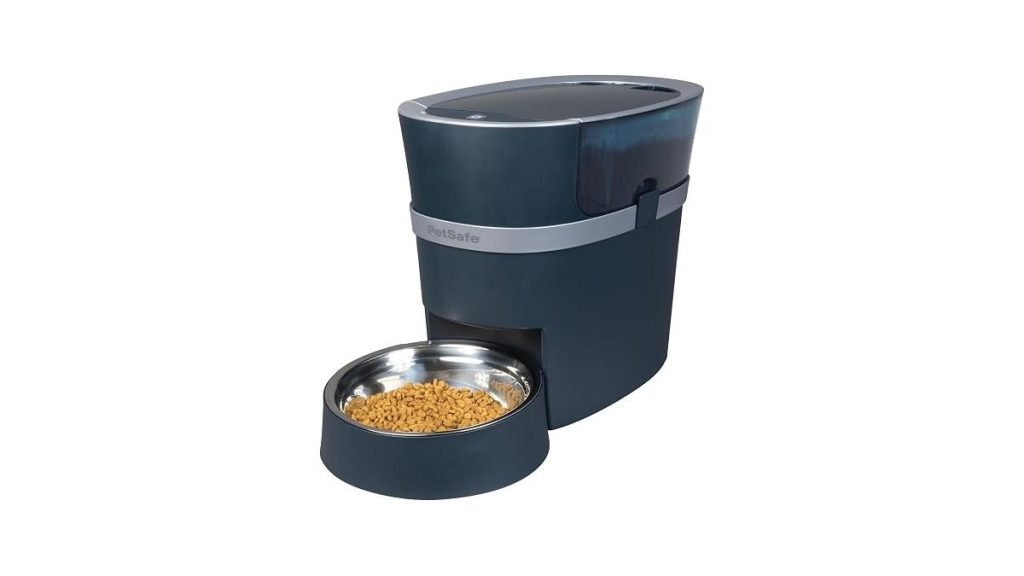
| Stainless Steel Bowl | Sensitive skin | Easier to clean and safer for pet hygiene. |
Look for units that offer pet food safety guidelines to ensure the materials are non-toxic and durable. Avoid models that use proprietary food bags unless you’re certain you can source that specific brand consistently in your local area.
Common Setup Mistakes
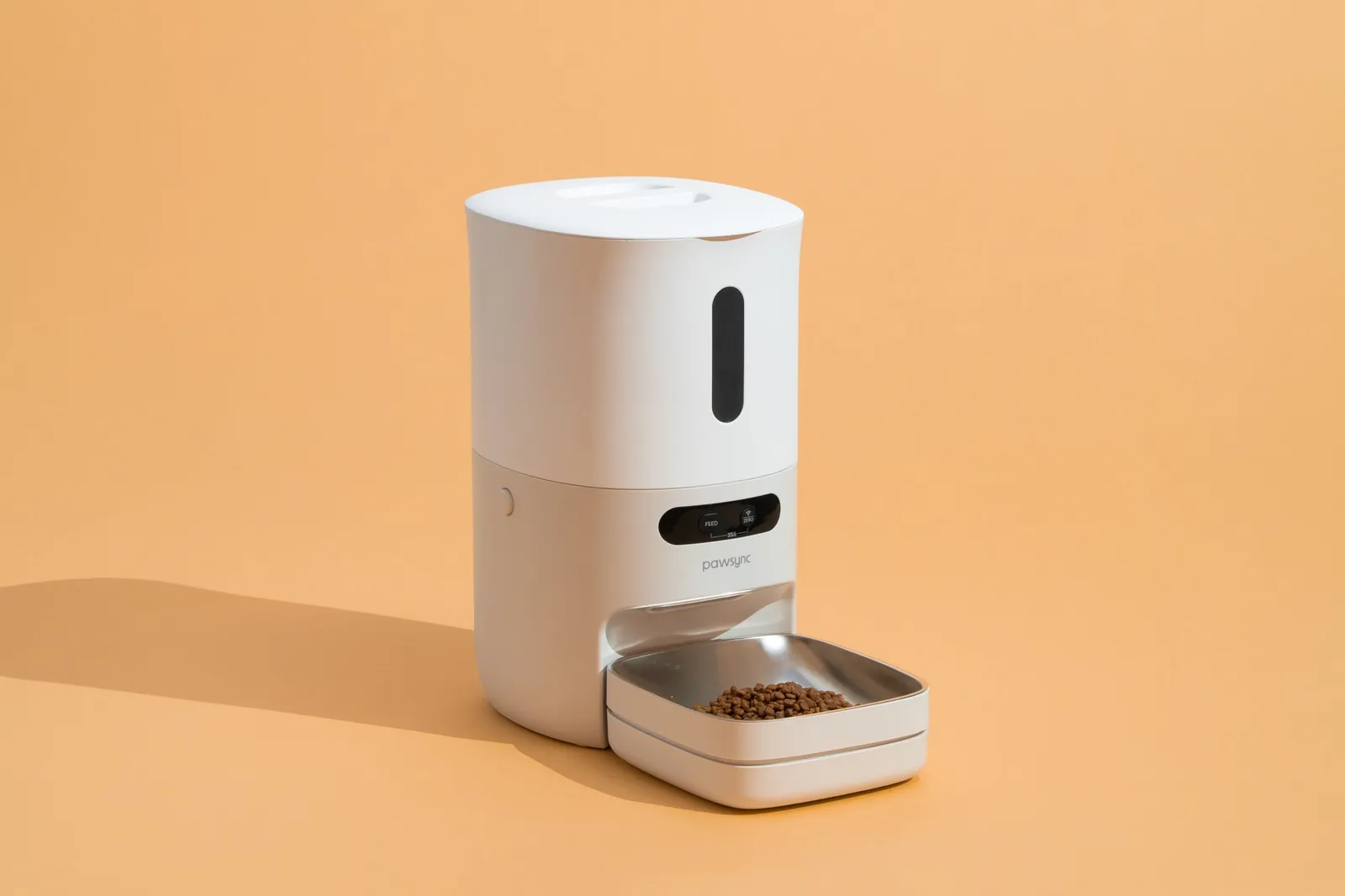
Many owners struggle with connectivity because they place the device too far from the router. A stable connection is vital if you rely on push notifications to confirm your pet has been fed.
- Test the portions: Manually trigger a feed to see how much kibble the machine dispenses, as different kibble shapes can change the actual volume dropped.
- Check the seal: Ensure the hopper lid fits tightly to keep the food fresh and prevent clever pets from prying it open.
- Calibrate the clock: Sync the feeder to your local time immediately so that scheduled meals don’t drift or occur at the wrong time of day.
- Monitor the first week: Observe your pet’s behaviour to ensure they aren’t stressed by the noise or the mechanical movement of the dispenser.
Tip: Start by placing the device near the existing food bowl for a few days before removing the old bowl entirely, which helps nervous pets adjust to the change.
Related guides
- 10 Best Automatic Pet Feeder Picks for Reliable Daily Feeding
- 10 Best GPS Pet Tracker Devices for Reliable Location Tracking
- 10 Best Robot Vacuums for Pet Hair: Our Expert Picks
Frequently Asked Questions
Can these feeders handle wet food?
Most standard models are designed only for dry kibble, as wet food spoils quickly and clogs the internal mechanisms. If your pet requires wet food, you must choose a specialised model with cooling packs or refrigerated compartments to prevent bacterial growth.
What happens if the internet goes down?
Most high-quality devices store your schedule locally, meaning they will continue to dispense food at the programmed times even without a connection. You won’t receive app notifications or be able to change settings until the internet signal returns to the unit.
How often should I clean the components?
You should wash the food bowl and the internal dispensing tray at least once a week with warm, soapy water. Keeping these parts clean prevents oil buildup from the kibble, which can otherwise attract dust or cause mechanical jams.
Conclusion
Before purchasing, measure the space where the feeder will sit to ensure it fits securely against a wall. Once it arrives, run it for 24 hours while you’re home to verify that every scheduled portion drops correctly before leaving your pet alone with the device.

1 thought on “Smart Pet Feeder Comparison: How to Choose the Right Device”