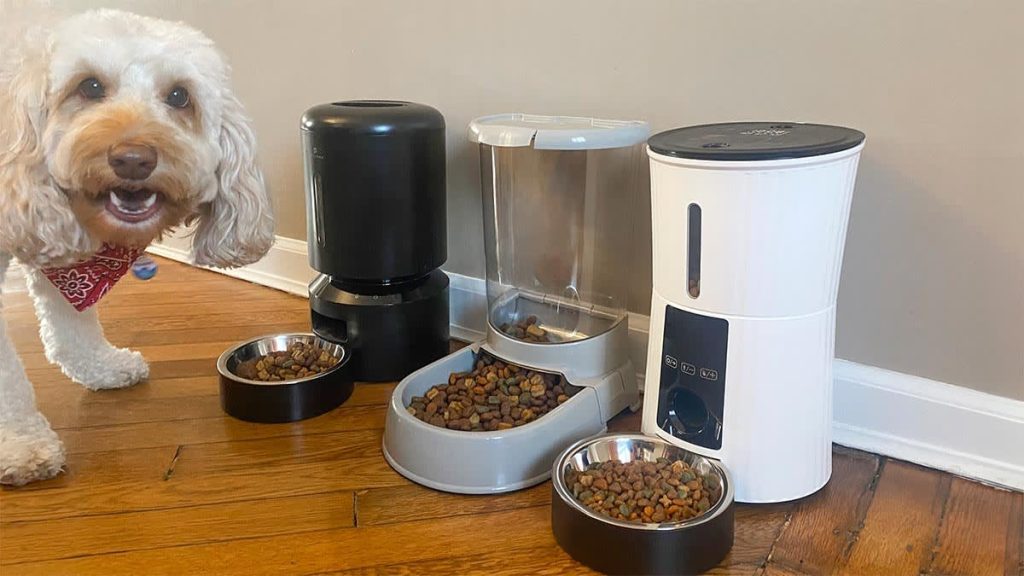
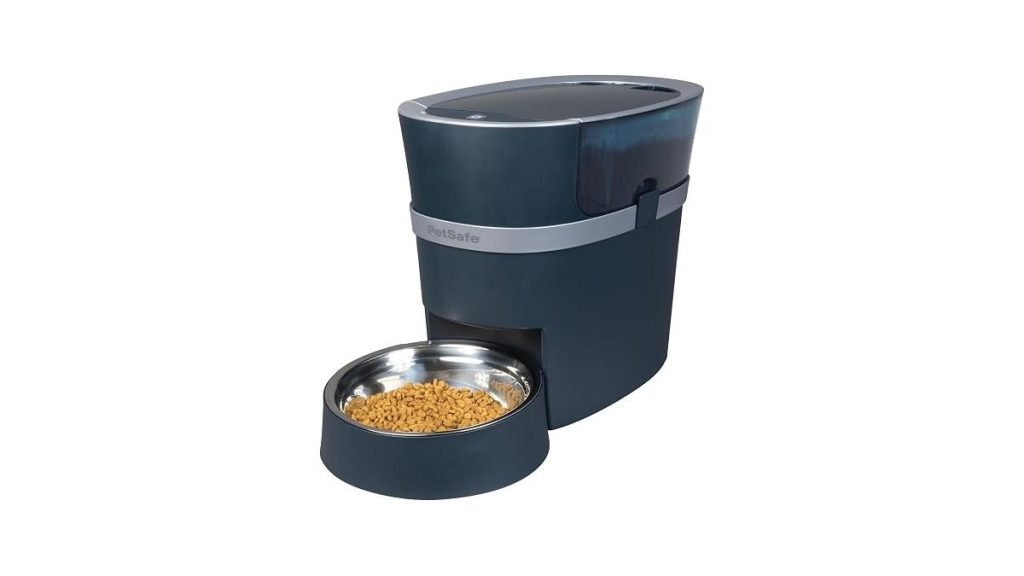
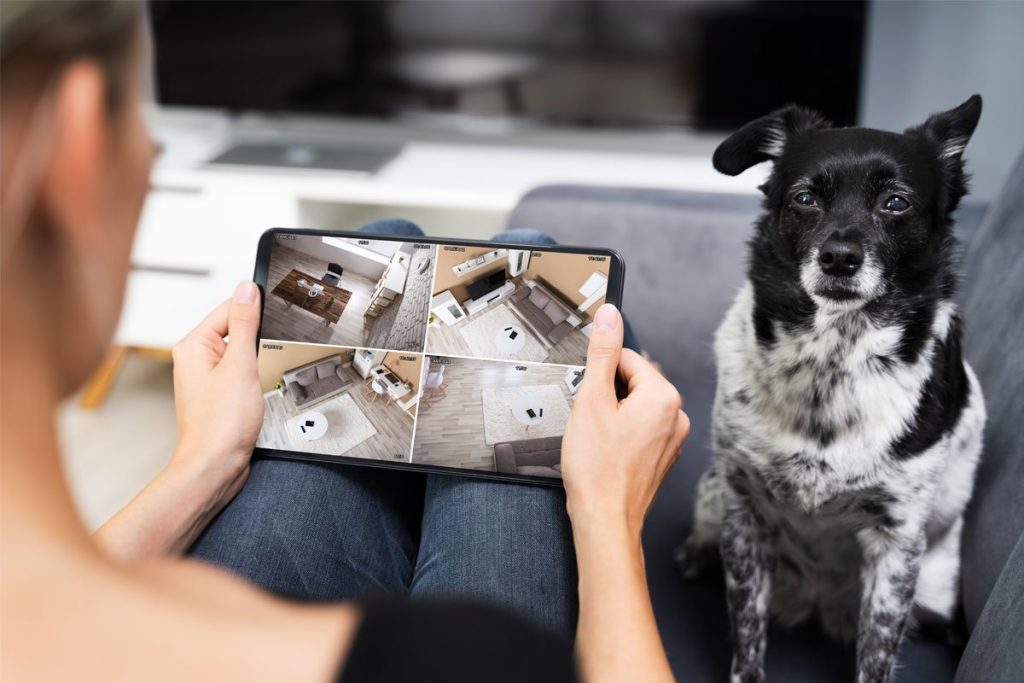
An automatic dog feeder with camera lets you view and serve meals to your pet from anywhere using a smartphone app, which is inexpensive relative to the cost of professional pet care. These devices connect to your home Wi-Fi, allowing you to trigger food release, watch a live video feed, and often speak to your pet through an integrated microphone.
Selecting your automatic camera feeder
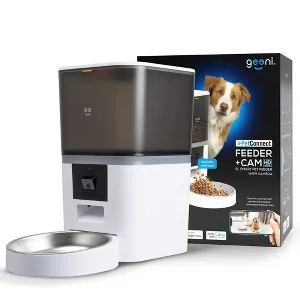
Selecting the right device requires balancing your budget with the specific features you need for your pet’s routine. While basic units only dispense food, advanced versions include two-way audio, motion alerts, and night vision capabilities. You should look for a model that features a tamper-proof lid, as clever dogs may learn to knock the unit over to access the food store.
| Feature Type | Basic Model | Premium Model |
|---|---|---|
| Video Resolution | 720p | 1080p or higher |
| Audio | One-way | Two-way |
| Scheduling | Simple timer | App-based custom plans |
| Power Source | Batteries only | Plug-in with backup |
Before you buy, confirm your home router supports the 2.4GHz frequency band, as most pet tech doesn’t connect to 5GHz networks.
Setting Up Your Device Safely
Proper placement and network security are essential for keeping your home and your pet safe. Position the unit on a flat, stable surface away from heat to prevent food spoilage and electronic overheating. You should always keep electrical cords out of reach of pets to avoid chewing hazards that could cause electric shock.
- Find a power source: Place the unit near a wall outlet to ensure a steady power supply, but hide the excess cord behind furniture to prevent your dog from pulling it.
- Mount the camera: Ensure the lens points directly at the feeding bowl so you have a clear view of your dog while they eat.
- Connect to Wi-Fi: Download the manufacturer’s app and follow the prompts to link the device to your home network.
- Test the portions: Run a manual dispense test to verify that the portion size matches your dog’s dietary requirements.
- Secure the lid: Lock the top container firmly; if your dog is persistent, you might need to place the unit in a corner where they can’t tip it.
Tip: Start by placing the unit in your dog’s regular feeding spot so they associate the new device with their normal mealtime routine.
Common Mistakes When Using These Feeders
Many owners assume these devices replace the need for regular observation, but technical failures can occur.
Another frequent error is failing to clean the food chute and bowl regularly. Residual kibble oils can attract pests or jam the dispensing mechanism. Consult your owner’s manual for the correct cleaning schedule.
Frequently Asked Questions
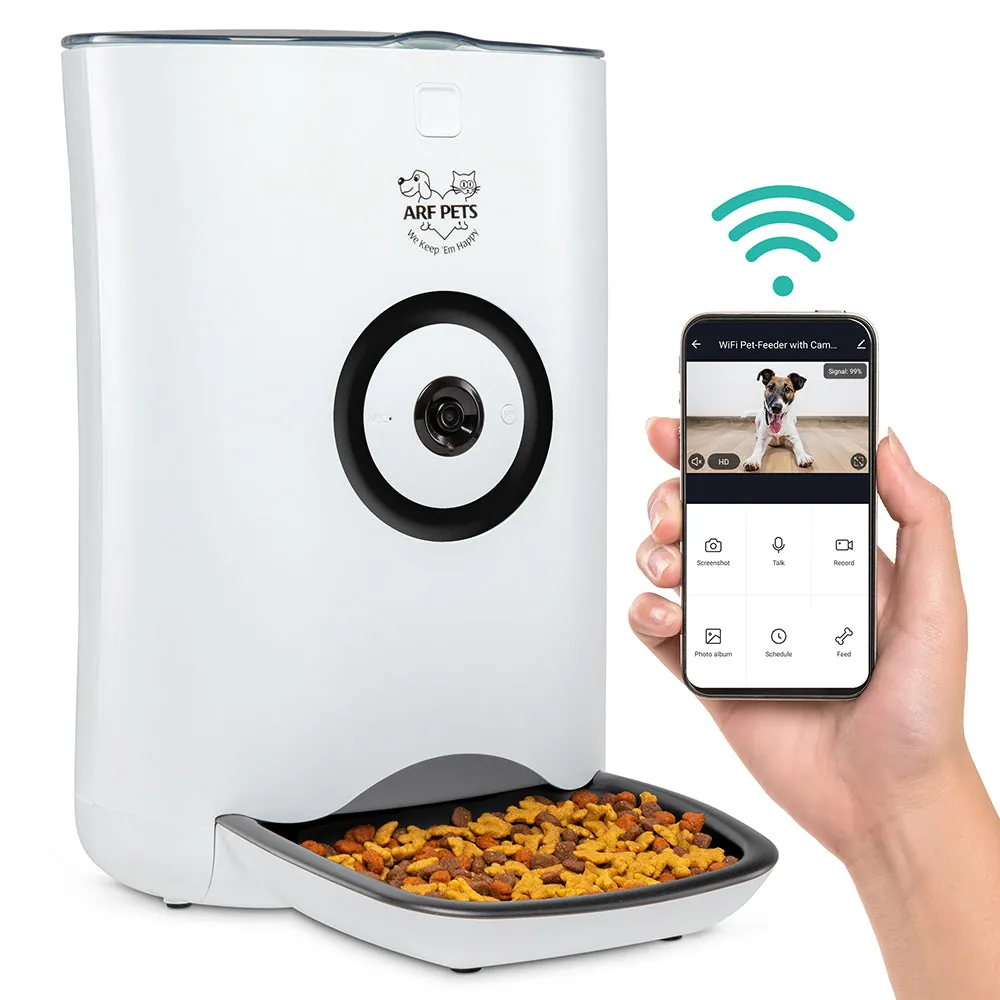
Can my dog hear me through the camera?
Yes, most models include a built-in speaker that allows you to talk to your pet through the app. You should test the volume levels first to ensure your voice doesn’t startle your dog if they aren’t used to hearing you from the feeder.
Does the feeder work if the internet goes out?
Most units dispense pre-scheduled meals offline, but you lose video and remote control. Check your manual to see if your model stores schedules locally.
Is it safe to use this for long periods?
These devices aren’t a substitute for human companionship or professional pet care. You should never leave a dog alone for more than 24 hours, even with an automated system.
Why does my feeder keep jamming?
If the device stops dropping food, check for kibble size or moisture-related clumping. Most dispensers are designed for dry kibble between 5mm and 15mm; larger pieces often wedge against the rotor. Use consistent kibble and keep the hopper dry.
How do I troubleshoot connection failures?
If the app shows the device is offline, check the Wi-Fi signal strength at the feeder. Walls and appliances can block signals, preventing a stable link to your router.
| Status Light | Meaning | Action |
|---|---|---|
| Flashing Red | Connection Lost | Restart the router and the feeder |
| Solid Amber | Updating Firmware | Wait 5 minutes; don’t unplug |
| Flashing Blue | Pairing Mode | Re-enter your Wi-Fi password in the app |
Can I use this for multiple pets?
Using one device for multiple pets makes it difficult to ensure each animal receives the correct amount of food. If one dog is faster, they will likely consume the majority of the portion. Consider separate feeders or a physical partition to manage intake and monitor for resource guarding.
Can I record video without a subscription?
Most manufacturers allow live viewing without a fee, but cloud storage for clips often requires a paid plan. Check if your model features an SD card slot for local storage to avoid subscription costs. Always verify the maximum storage capacity supported by your device to ensure proper recording.
Does the camera record in total darkness?
Most devices use infrared night vision to provide a clear black-and-white image in low-light conditions. You should check the product specifications to see if your camera includes an IR-cut filter, which ensures the video remains sharp even when the room lights are off.
Is the app compatible with all smartphones?
Most apps require current versions of iOS or Android to function correctly and receive updates. Check the app store listing for your specific device to confirm the minimum operating system requirements before you complete your purchase.
Can I control the feeder from another country?
Yes, you can manage the device from anywhere in the world as long as both your smartphone and the feeder have an active internet connection. Ensure your mobile data plan is active and that the home Wi-Fi remains stable while you’re travelling.
Conclusion
Investing in this technology brings peace of mind when you can’t be home. It’s a simple way to stay connected while keeping your best friend happy and well-fed. You’ll find that checking in during your lunch break becomes the best part of your day, so start browsing models that fit your lifestyle today.

1 thought on “Automatic Dog Feeder With Camera: How to Set Up and Use”