Pet Monitoring Solutions
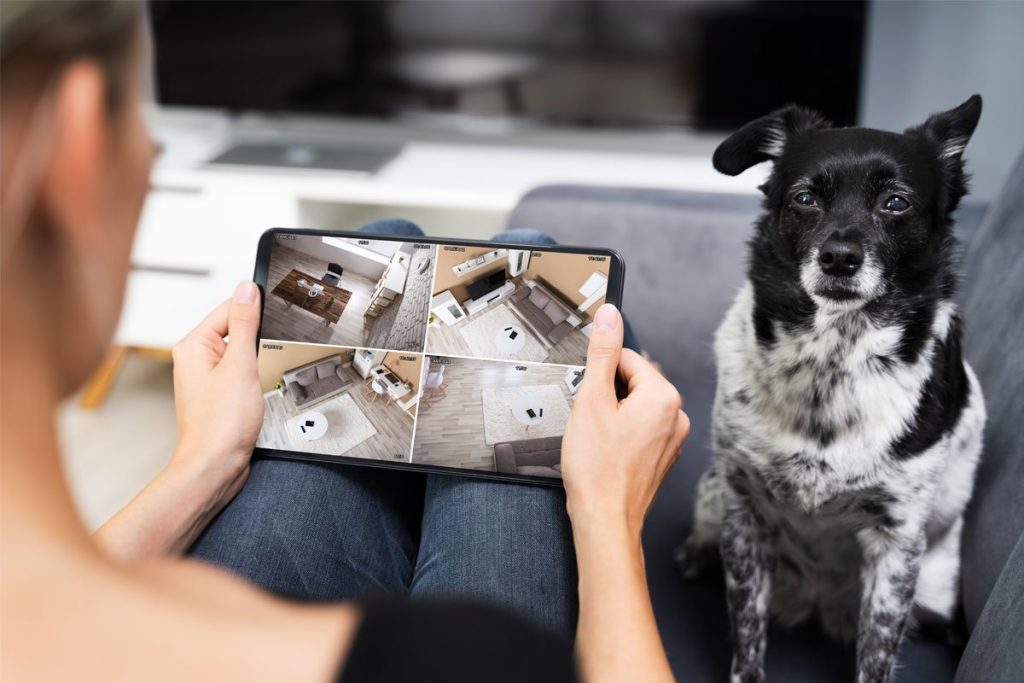
A reliable dog camera allows you to observe your pet’s behaviour and comfort them from anywhere.
As an Amazon Associate, we earn from qualifying purchases. This post contains affiliate links – if you buy through them, we may earn a commission at no extra cost to you.
You’re working late and worrying if your dog is pacing or barking while home alone. A quick glance at your phone screen shows your pet is resting quietly.
These devices solve the problem of separation anxiety by letting you interact with your animals. The following sections break down the best options currently available to help you choose the right one.
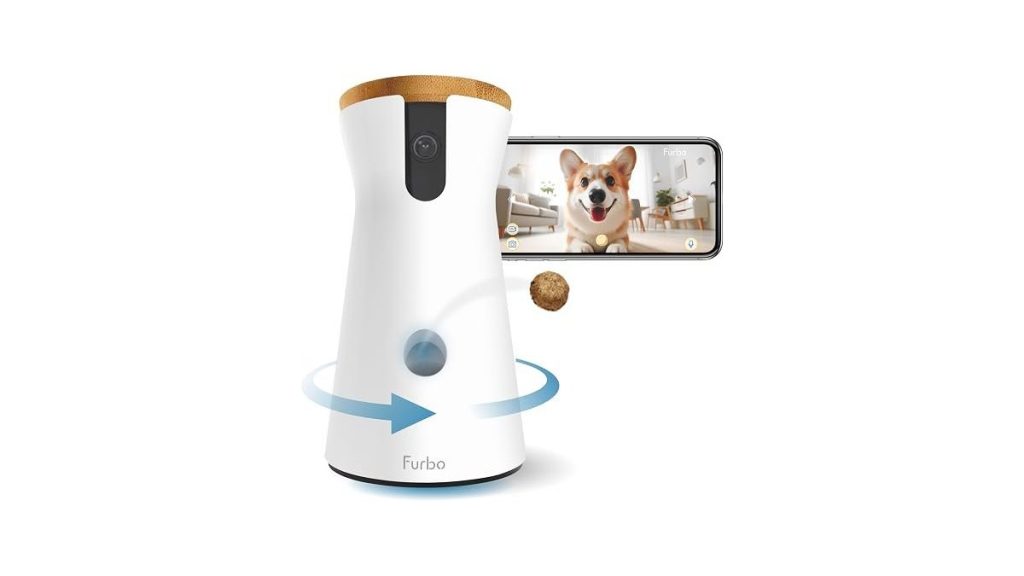
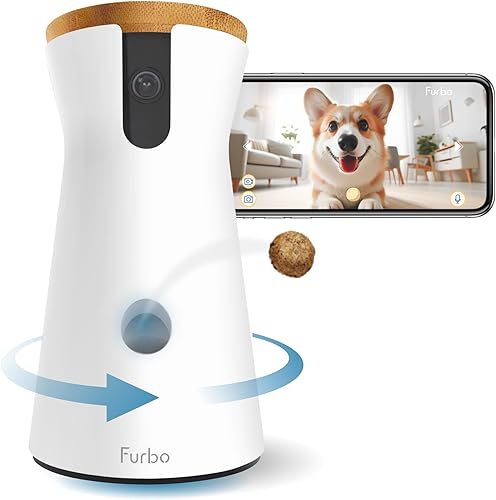
1. Furbo 360 Dog Camera
Best for: Owners needing an all-in-one system with remote treat tossing.
This camera is designed specifically for pets, featuring a motorized 360-degree view and a built-in treat dispenser. It provides 1080p video and alerts you when your dog barks, helping you stay connected without requiring a subscription for basic features.
Using this device is straightforward, as the app allows you to toss treats remotely to reward good behaviour. The two-way audio is useful for soothing a nervous pet, though it lacks the advanced AI smart alerts found in subscription-based models. It isn’t suitable for those who prioritize ultra-high 4K resolution over interactive pet-specific features.
Pros
- Includes built-in treat tossing mechanism
- Provides full 360-degree room coverage
- No subscription required for basic use
- Features real-time barking detection alerts
- Equipped with clear colour night vision
Cons
- Lacks premium AI-powered smart alerts
- Can’t record in 4K resolution
Why this one: If you want a dedicated pet tool that rewards your dog while you’re away, this is the top choice. It avoids ongoing fees for standard operation. If you require higher video resolution or advanced human-tracking AI, you should consider one of the other options on this list.
2. eufy Security 4K Indoor Camera E30
Best for: Users who demand high-resolution 4K video and local storage.
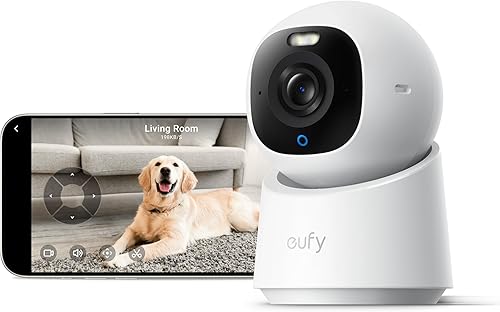
The E30 offers 4K recording and advanced AI that distinguishes between pets and humans. It includes a spotlight for nighttime colour vision and tracks movement automatically, ensuring you never lose sight of your animal as they wander the room.
The app allows for quick focus taps, making it easy to navigate around a large space. Because it supports local storage via an SD card, you can avoid monthly cloud fees entirely. It isn’t the best fit for someone who needs a built-in treat dispenser or a more compact, discreet device.
Pros
- Delivers ultra-clear 4K video resolution
- Includes advanced AI-powered pet tracking
- Supports local storage via SD card
- Features a built-in deterrent spotlight
- Compatible with major smart home systems
Cons
- Doesn’t include a treat dispenser
- Requires separate SD card for storage
Why this one: This is the best choice for clarity and smart tracking. It’s ideal for those who want to see every detail of their pet’s day. If you specifically need to feed your pet treats remotely, you’ll need to look at a different model.
3. VIRTAVO Pet Camera Indoor No Subscription

Best for: Those wanting dual-view perspectives to eliminate all blind spots.
This camera uses a dual-lens system to provide both a wide-angle view and a pan/tilt view of your room. It captures both perspectives simultaneously, ensuring you can see your pet even if they move into corners that a single lens might miss.
Setup is simple, involving a quick QR code scan through the app. The infrared night vision provides visibility in total darkness, which is helpful for checking on pets during the night.
Pros
- Dual-lens system eliminates room blind spots
- Includes automatic motion tracking capabilities
- Offers secure local storage options
- Simple plug-and-play mobile app setup
- Provides clear infrared night vision
Cons
- Maximum video resolution is lower than 4K
- Requires manual SD card purchase for storage
Why this one: This camera is excellent for complete room coverage. It’s perfect for larger living areas where pets often hide from standard cameras. If you prefer a more compact or higher-resolution device, you should explore other options.
4. Tapo 2K Pan Tilt Security Camera

Best for: Households needing reliable pan and tilt monitoring.
The C210 provides 2K resolution with a 360-degree horizontal range, making it a versatile tool for any room. It sends notifications for motion or sounds, and the two-way audio includes a built-in siren for added home security.
The device is compatible with voice commands via Alexa or Google Assistant, allowing for hands-free viewing on smart screens. It uses local storage to keep your footage private. It isn’t recommended for those who need 4K image quality or a motorized treat-tossing feature.
Pros
- Sharp 2K high-definition video quality
- Full 360-degree horizontal pan coverage
- Supports large local storage cards
- Integrates with Alexa and Google Assistant
- Includes a loud built-in security siren
Cons
- Resolution is below the 4K standard
- Doesn’t offer treat dispensing
It covers all the basics of monitoring and security at a functional level. If you need the sharpest possible image or a way to feed your pet, you should choose a different model.
5. ARENTI 4MP Pet Camera P2Q

Best for: Homes with 5GHz Wi-Fi and multiple camera setups.
The P2Q offers 4K resolution and supports both 2.4GHz and 5GHz Wi-Fi bands, which helps maintain a stable connection. It features an AI algorithm to track pets automatically and includes a privacy mode that physically disables the camera when you’re home.
The app allows for multi-viewing, so you can see four cameras on one screen if you have a larger home. It provides sharp night vision up to 32 feet.
Pros
- Supports faster 5GHz Wi-Fi connections
- Sharp 4K ultra-clear image resolution
- Includes physical privacy mode feature
- Allows viewing multiple cameras at once
- Features automatic motion-triggered tracking
Cons
- Privacy mode requires manual activation
Why this one: This is a great pick if you have a modern home network and need multiple cameras to cover different rooms.
6. Blink Mini 2K+ (newest model)

Best for: Owners wanting a tiny camera for tight or awkward spaces.
The Blink Mini 2K is a compact device that focuses on high-quality video in a small frame. It offers 2K resolution and improved audio clarity with noise cancellation, making it easier to communicate with your pet clearly.
It’s designed for quick installation and can be mounted almost anywhere. You can also use it as a chime for the Blink Video Doorbell. It isn’t suitable for those who need full room surveillance or a built-in treat dispenser.
Pros
- Extremely compact and easy to mount
- Clear 2K video and improved audio
- Integrates with existing Blink systems
- Simple and quick installation process
- Includes noise-cancelling two-way talk
Cons
- No motorized pan or tilt movement
- Subscription needed for some features
Why this one: If you have limited shelf space, this small camera is ideal. It provides a clean, unobtrusive look. If you need to follow your pet around the room, this static camera won’t be enough for your needs.
7. Furbo Mini 360° Pet Camera (Paid Plan Required to Activate)

Best for: Small pet owners who want AI-powered insights.
The Furbo Mini 360 is a smaller version of the standard model, focusing on smart AI alerts. It notifies you about barking or unusual activity, which helps if your pet has specific anxiety issues.
This model requires a paid subscription to access its core features, as it’s built around the “Furbo Nanny” service. It isn’t for users who need a larger treat capacity for bigger dogs.
Pros
- Advanced AI-powered pet behaviour alerts
- Small, space-saving physical design
- Includes treat tossing functionality
- Provides helpful video activity recaps
- Continual updates improve AI understanding
Cons
- Subscription required to activate features
- Smaller treat capacity than standard models
Why this one: If you want deep insights into your pet’s daily habits through AI, this model is worth the subscription. If you prefer to avoid ongoing payments, this isn’t the right device for you.
8. Anona Pano 4K UHD Indoor Camera
Best for: Users who prioritize high-zoom capabilities and image clarity.
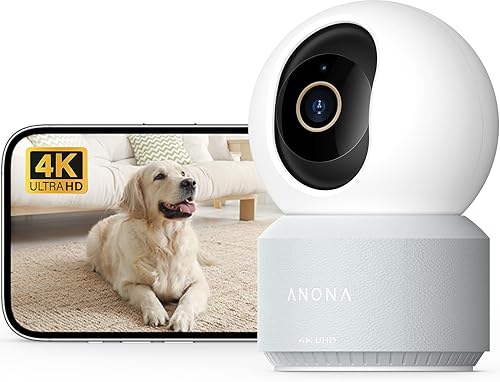
The Anona Pano 4K features an 8x zoom lens, allowing you to see fine details from across the room. It supports Wi-Fi 6 for a faster, more stable connection and uses AI to detect pets, people, and crying babies.
The camera offers both local and cloud storage options, giving you flexibility in how you keep your recordings. It isn’t the best choice for those who want a simple device without high-end lenses.
Pros
- High 8x digital zoom capability
- Fast and stable Wi-Fi 6 connectivity
- Sharp 4K ultra-high-definition video
- Flexible local and cloud storage options
- Intelligent pet and person detection AI
Cons
- Higher complexity for casual users
- SD card not included in box
Why this one: This is the pick for those who want the sharpest image possible and the ability to zoom in closely.
9. Kasa 1080p Indoor Pan/Tilt Wired Security Camera

Best for: Users who want a straightforward, user-friendly experience.
The Kasa EC70 is a simple 1080p camera that focuses on ease of use. It includes pan and tilt functionality to cover your room and allows you to store footage locally on an SD card without any monthly fees.
It integrates well with other Kasa smart devices, letting you set up automated actions. It isn’t the right choice for those who need 4K resolution or advanced AI pet-tracking features.
Pros
- Very easy to set up and use
- No subscription fees for local recording
- Includes pan and tilt for coverage
- Integrates with other smart home devices
- Reliable 1080p video for daily monitoring
Cons
- Resolution is limited to 1080p
- Lacks advanced AI detection features
Why this one: If you just want a camera that works without any complex setup or subscriptions, this is a great choice. If you want the latest high-resolution video or smart tracking, you should look at other options.
10. Ring Indoor Cam (newest model)

Best for: People already invested in the Ring smart home ecosystem.
The Ring Indoor Cam is a reliable, high-quality 1080p camera that integrates perfectly with Ring doorbells and Alexa devices. It includes a manual privacy cover, which physically blocks the lens when you’re home.
The “Pre-Roll” feature records a few seconds before a motion event, ensuring you don’t miss the start of the action. It isn’t for those who need to track movement around the entire room or a way to dispense treats.
Pros
- Includes physical privacy cover for lens
- Integrates seamlessly with Ring ecosystem
- Captures video before motion starts
- Easy to move and mount anywhere
Cons
- No motorized pan or tilt movement
- Subscription needed for AI features
Why this one: This is the most reliable choice if you already use Ring products. If you need to track a pet moving around a room, you’ll need a motorized camera instead.
How to Choose Yours
Choosing the right camera depends on your specific home setup and what you need to see. Focus on your daily routine rather than the longest list of technical specs.
- Do you need to track your pet as they move around the room?
- Is high-resolution 4K video necessary, or is 1080p sufficient for your needs?
- Do you prefer to avoid monthly subscriptions by using a local SD card?
- Is your home network capable of handling high-frequency Wi-Fi bands for a faster signal?
- Would a physical privacy cover help you feel more comfortable when at home?
- Does your pet require treats to stay calm, or is voice interaction enough?
Related guides
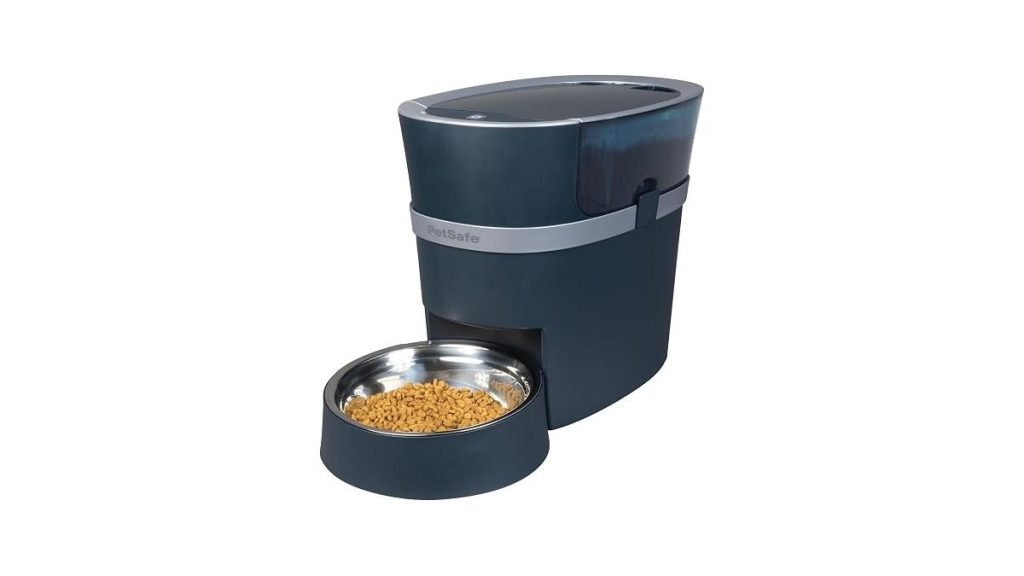
- Automatic Dog Feeder With Camera: How to Set Up and Use
- 10 Best Robot Vacuums for Pet Hair: Our Expert Picks
- 10 Best GPS Dog Tracker Picks for Every Walking Style
Frequently Asked Questions
Will this camera work if I don’t have a strong Wi-Fi signal?
Most cameras require a stable 2.4GHz connection to stream video smoothly, though some models now support faster, less congested network bands for better stability. If your signal is weak, you may experience lag or dropped connections, so consider placing the camera closer to your router or using a Wi-Fi extender to ensure consistent performance.
Is it difficult to set up a camera for the first time?
Setting up these cameras is typically a simple process that involves plugging the device in and using a mobile app to scan a QR code. Most manufacturers provide step-by-step instructions in their apps, making it accessible even for those who aren’t particularly tech-savvy or familiar with smart home devices.
Can I share the camera feed with other family members?
Yes, most modern pet cameras allow you to share access with multiple users through the official app. This lets mom, dad, or other family members check in on the pet from their own smartphones, often by simply sending an invitation link or scanning a shared code within the app settings.
Are these cameras safe to leave on when I am home?
These cameras are safe, and many models now include features like physical privacy covers or software-based “Privacy Mode” to disable the lens and microphone. Using these features ensures that you have total control over when the camera is recording while you’re relaxing in your own home.
Do I really need a subscription to use a pet camera?
Many cameras offer full functionality with local storage via an SD card, meaning you can avoid monthly fees entirely. Some premium models do require a subscription for advanced AI features or cloud storage, but you should check the product data to see if the core features you need are included for free.
Is a dedicated pet camera actually better than a security camera?
A dedicated pet camera is often better if you need specific features like treat tossing or barking alerts, which are rarely found on standard security cameras. If you only need to watch your pet, a standard indoor security camera will work just as well, provided it has the resolution and coverage you require.
The Verdict for Most People
For most pet owners, the Tapo C210 is the best choice because it balances 2K video quality, 360-degree coverage, and local storage without requiring a subscription. It’s reliable and easy to use for everyday monitoring.
If you specifically need to feed your pet treats while you’re away, you should choose the Furbo Dog Camera instead. Deciding between these two comes down to whether you prioritize remote interaction or simple, effective room monitoring.


1 thought on “10 Best Dog Cameras to Monitor and Comfort Your Pet Remotely”